
Grow and manage your contacts
Store, organize and grow your network with tools for managing your teams, tagging and filtering your contacts based on demographics, attended events, signed petitions, etc.
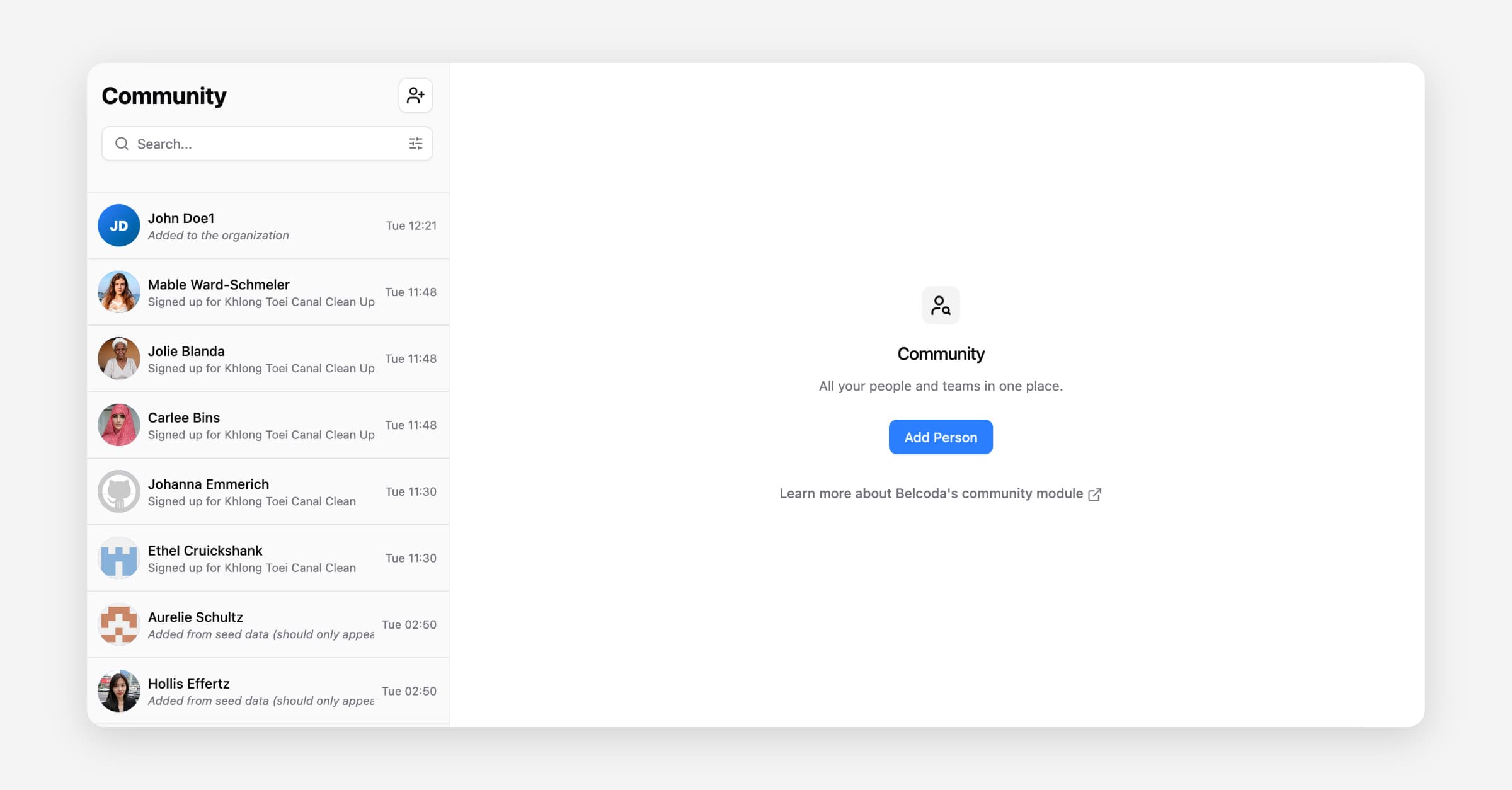
How to manually add new contacts to your community contact database
On a desktop computer:
On a mobile device:
How to import your existing contact database into Belcoda (.csv file)
On a desktop computer:
On a mobile device:
[Coming soon!]
How to tag and filter your database on Belcoda
Tagging lets you attach multiple labels to a single contact — like interest:climate-policy, attended:river_clean_up_event, or region:nairobi. This makes it easier to filter contacts based on interests, attended events, geography, etc. and makes targeted outreach, follow-up, and mobilisation far faster and more precise.
On a desktop computer:
On a mobile device:
How to create and manage your teams on Belcoda
Teams let you organise your contacts into the real-world groups they belong to, like a local chapter, a working group, or a volunteer crew, so you always know who's part of what. Filtering by team allows you to see who's active in a specific area, send targeted updates, or coordinate actions without looping in the whole community.